Mods for your games, one click away.
Pick a game, pick your mods and press Play. Ruckus installs them and keeps them up to date. Start the game from Steam and you get the normal game, untouched.
 Ruckus
 Cyberpunk 2077
Set it up once, then it's one button
Install Ruckus
Run the installer. It installs for your Windows account only, so it doesn't ask for admin rights.
It finds your games
Ruckus looks through your Steam libraries. If a game lives somewhere else, point it at the folder.
Pick your mods
Choose a profile of mods for each game. Ruckus downloads them and checks every file.
Press Play
Ruckus starts the game through Steam with your mods loaded. That's the whole routine.
The games Ruckus supports
New games arrive through the Ruckus catalog, and the app picks them up by itself.

Race your own ghost anywhere in Night City
Hold L in any car and the game's own race countdown starts. Drive wherever you like, then hold L again. Every run becomes a racing flag on the map.
- Drive up to a flag and hold L. You're put in the run's own car on the exact start line.
- Race a see-through hologram through the checkpoints, with the live gap under the timer.
- Share runs with a code, publish them as community races and chase the top times.
- The 5 most upvoted races show up in everyone's game.
Featured race · live from Ruckus
Featured races show up here. Publish a run from the Races tab in Ruckus and get it upvoted.
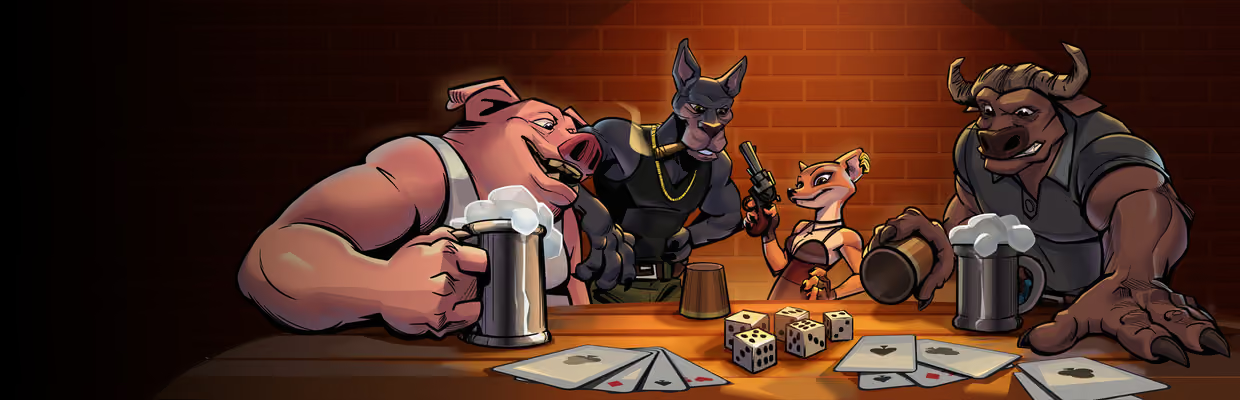
Two new ways to play Liar's Deck
Ruckus Solo
Play Liar's Deck on your own against 1 to 3 bots, on Easy, Medium or Hard. Hard bots count cards and remember who lied.
- Bots bluff, call liar and take their shot at the revolver like anyone else
- Play the Perks mode against bots too
- Solo games never count toward rank
Ruckus Perks
A new mode for private lobbies. Everyone picks a perk at the start, and each time you survive the revolver you earn a stronger item. Make it to 5 of 6 and you're Bulletproof.
- Perks like Steady Hand, Tally, Thick Skin and Sharp Ears
- Items like Peek, Mirror, Card Swap and Pass the Gun
- Basic, Devil and Chaos games stay exactly as normal
Ruckus does the fiddly part
Everything happens in the app. No manual installs, no copying files, no editing configs.
Profiles
Keep different sets of mods for each game and switch before you play.
One-button updates
When a mod has a new version, update it, or all of them, with one click.
Play unmodded
One click for the normal game. Your mods stay ready for next time.
Verify and repair
Checks the mod files Ruckus put in place and puts back anything missing or changed.
Crash helper
If the game crashes, Ruckus spots the mod that likely caused it and offers to turn it off.
Mods from other managers
Mods installed with Vortex or by hand are set aside safely. Put them back any time.
Share codes
Send a whole profile, or a ghost run, as a short code a friend can paste in.
Logs per game
Each game has a Logs tab, so you can read what a mod said without digging through folders.
Browse mods
Find mods for your games, like them and keep your favourites close.
Updates itself
New versions install within minutes, never while a game is running. You can turn this off.
Sign-in is optional
Sign in with Steam or Discord to publish races and vote. Everything else works without it.
Light and dark
Follows your Windows theme, or pick one. Discord can show what you're playing.
What Ruckus does to your games
Installing a mod tool takes a bit of trust. So here is exactly what it does and doesn't do.
The mod list is signed
Ruckus only accepts a catalog signed by its key, so nobody can slip a different file list in.
Every download is checked
Each file is checked against its SHA-256 fingerprint before it goes anywhere near your game.
It only touches what it tracks
Ruckus keeps a list of every file it adds. If you changed one of them, it's backed up, not deleted.
Steam launches stay normal
Starting a game from Steam gives you the unmodded game. Mods load only when you press Play in Ruckus.
Uninstalling cleans up
Uninstalling takes Ruckus out of your game folders and restores anything it backed up.
No tracking in the app
No ads, no analytics, no crash reports sent anywhere. The crash helper works on your PC only.
Get Ruckus for Windows
It's free, it installs in your own account and it keeps itself up to date.